The CRMs Sellify works with
How much we can write back varies by platform. We confirm exactly what your CRM supports on the walkthrough, before you sign anything.
The same list is on sellifyai.com/integrations.
Phone providers
Works with phone providers such as Twilio and Telnyx, as listed on sellifyai.com/integrations. Sellify AI sends texts and answers calls on your numbers through the provider you connect.
What you see in the app
People whose role allows it connect both under Settings > Integrations.
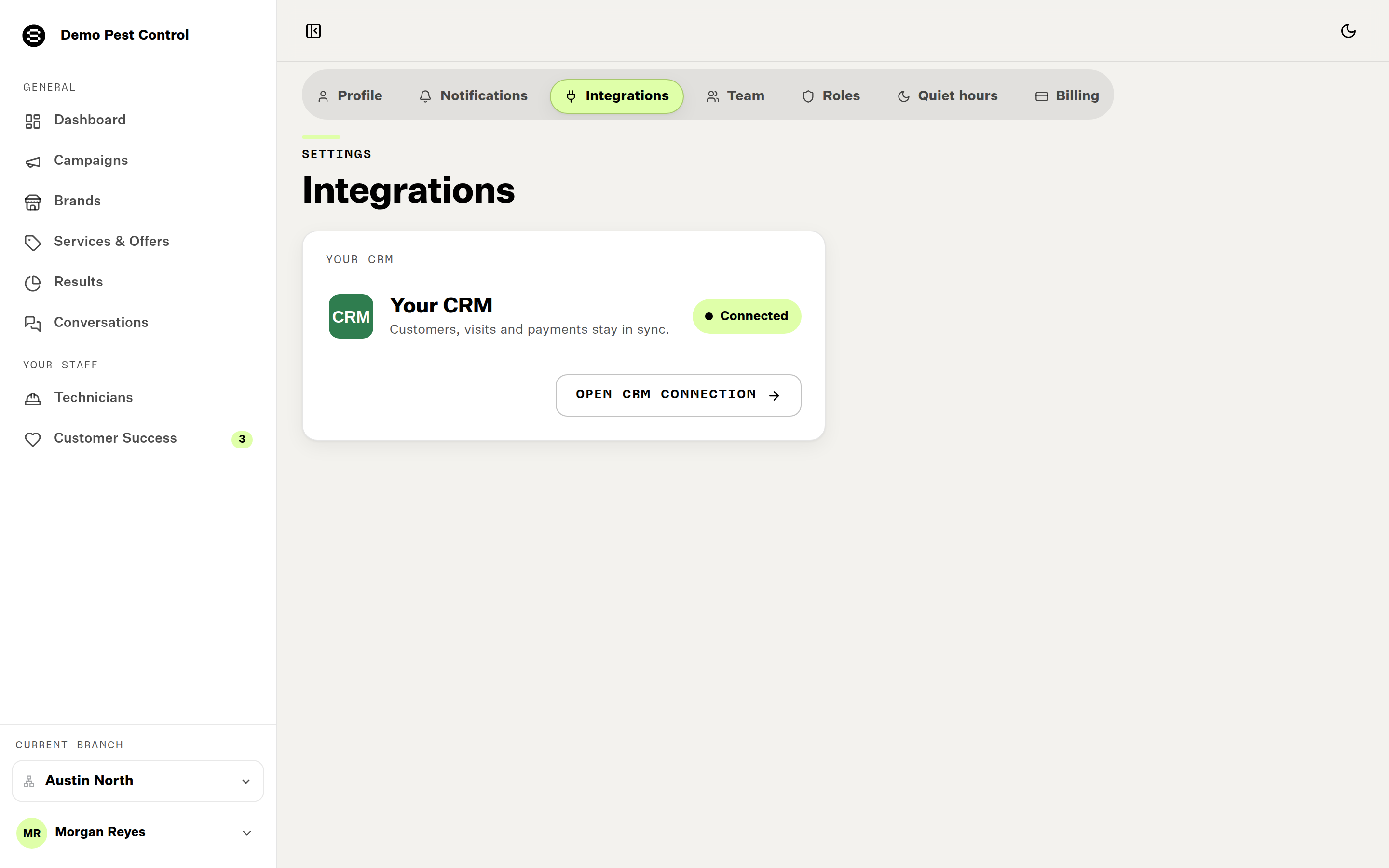
- 1Your CRM: shown here as Connected.
- 2Open CRM connection: manage the connection.
Who can open this page is set in Settings > Roles, so you decide which people may change a connection.
What your CRM is used for
Sellify AI reads who your customers are, their visits and their balances from your CRM, and writes back the outcome of a conversation, such as a confirmed or moved visit, a note for the technician or a signed sale. Not every CRM supports all of these; which ones yours supports is what we confirm on the walkthrough.
Read more:
- Pest control software: a small business buyer's checklist for the questions to ask any vendor.
- Campaigns: each campaign's audience comes from your CRM.
- Contracts and closing in the thread and Expiring Credit Cards for two features that depend on what your CRM supports.
- The FAQ for more short answers.
Questions
Is Sellify a CRM?
Which CRMs does Sellify work with?
Do I need to change how my office works?
Can I use my own phone provider?
My CRM is not on the list. What now?
Sources
- Sellify AI: Integrations
- Sellify AI product documentation