A blocked number shows an Unblock button on the Opt-outs list.
What it does
You see one list of who said no, and when. You load the do-not-contact list you keep today once, instead of retyping it, and you can undo a block when a number was blocked by mistake. It does not decide your texting policy: that stays with you and your counsel.
What your office sees
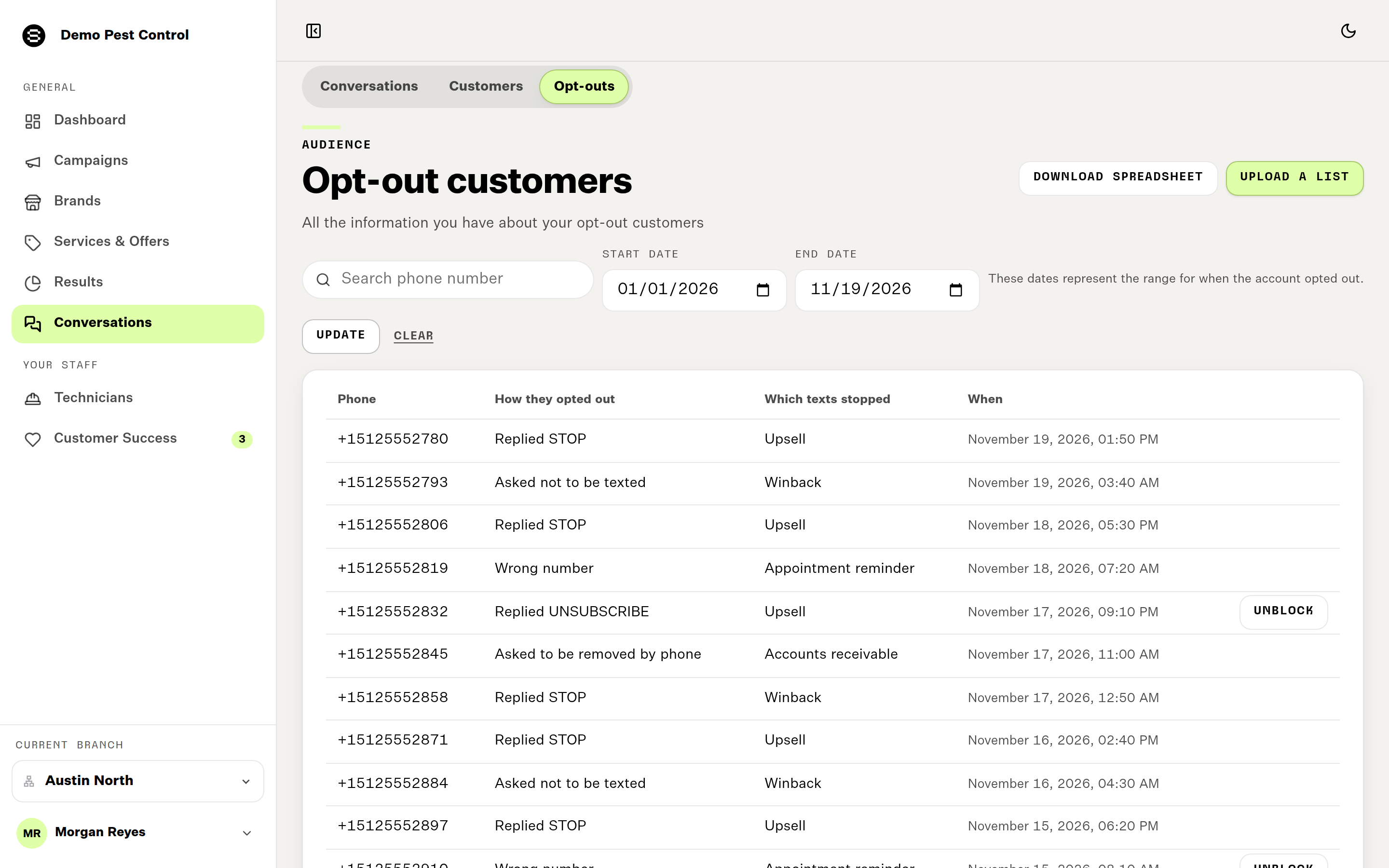
- 1Upload a list: add your own do-not-contact list.
- 2How they opted out, for example Replied STOP or Asked not to be texted.
- 3Which texts stopped: the use case the opt-out applies to.
- 4Unblock, on a blocked number.
Opt-outs from replies (STOP and similar) are recorded automatically. The office can add more by upload. When you unblock a number, the app explains what happens: texts from that number reach Sellify AI again, for every use case of that number.
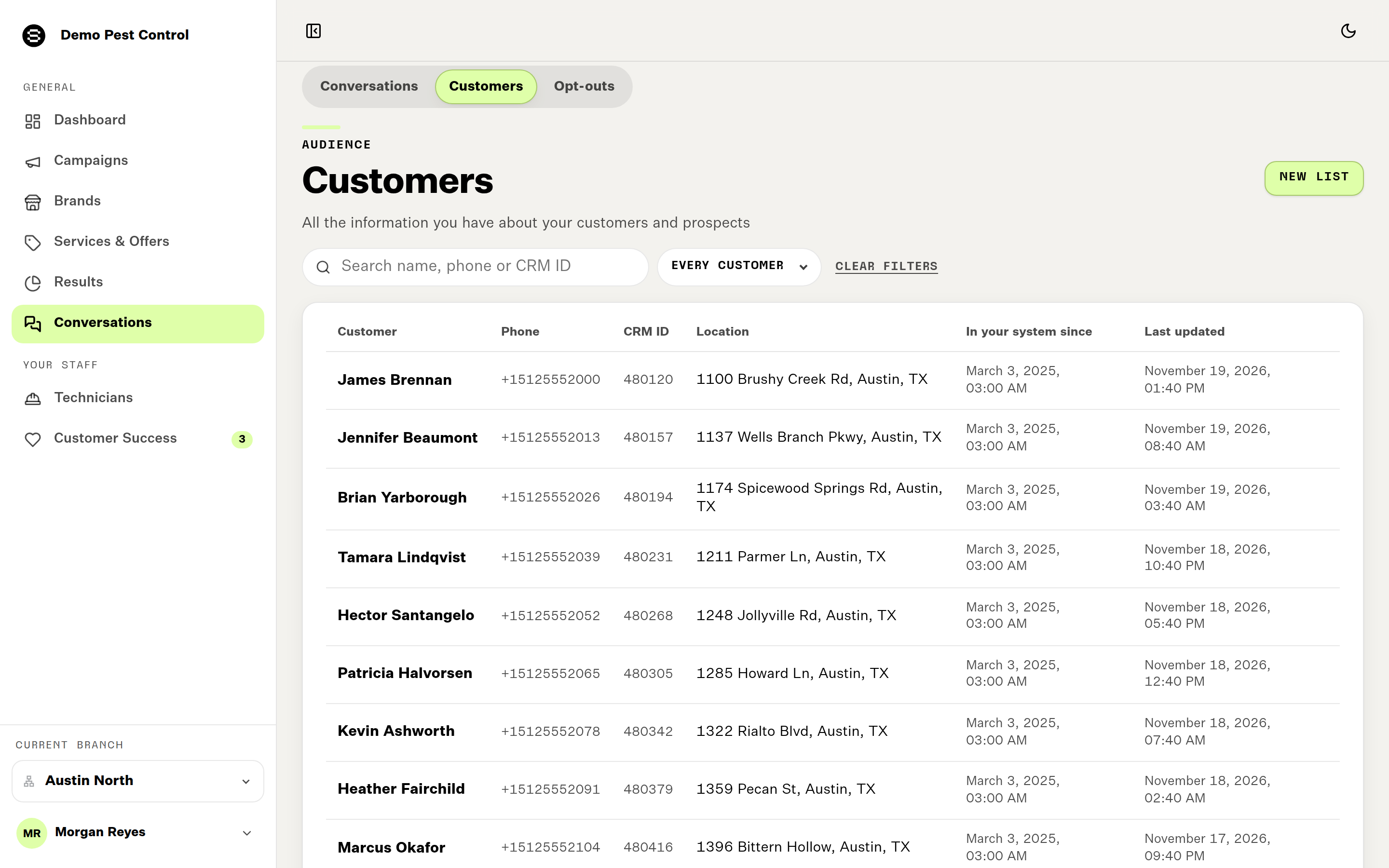
What the customer sees
Nothing new. A customer who opted out stops getting the texts they opted out of.
What you control
- Upload a list on Opt-outs: add do-not-contact lists. Each contact must include a phone number in a supported format.
- Unblock on a blocked number in Opt-outs.
- Who can open Conversations, Customers and Opt-outs, through your team roles.
What good looks like
Aim for one opt-out list that holds every number that asked not to be texted, from replies and from the lists you kept before, and for nobody to be added back without their own request. Customers who asked to stop and still get texts lose trust in your company fast.
Numbers to watch:
- New opt-outs per month, and which kind of text they came after.
- Numbers unblocked per month, and why each one was unblocked.
- Customers who ask why they were texted, and who answered them.
What stays with your team
Decisions about a customer's request. Sellify records opt-outs and lets you upload and unblock. Whether to unblock, and what your texting policy is, stays with you and your counsel. This page describes controls in the app, not legal advice.
Related
- Conversations
- Quiet hours, days off and follow-up limits
- Smart Appointment Reminders
- Update: Unblock a number from Opt-outs
- Guide: Pest control appointment reminders customers answer
- Back to Office and customer service and the pillar guide AI for pest control companies
Questions
What happens when a customer replies STOP?
Can I import my existing do-not-contact list?
What does Unblock do?
Is this a compliance guarantee?
Sellify AI does this texting and call answering for pest control companies. See how it works, or book a walkthrough. Already a client? Ask your account manager.
Sources
- Sellify AI product documentation