Tasks: AI handoffs in one queue
When Sellify AI needs a person, it files a task with the reason, a summary of what to do, the message that triggered it and the customer's details. Each task gets a priority, Urgent, Today or Can wait, so the office knows what to work first. The aim: Urgent tasks answered the same morning and the queue cleared by the end of the day.
Tasks are assigned automatically per branch; under assignment you choose the people for each branch and their share of tasks. New tasks also arrive in a regular digest email, not one email each. You can text the customer from the task, click Waiting on the customer or Done, and use work mode to step through your own tasks. Conversations your team takes over show here too.
Sentiment: a pulse of your customers
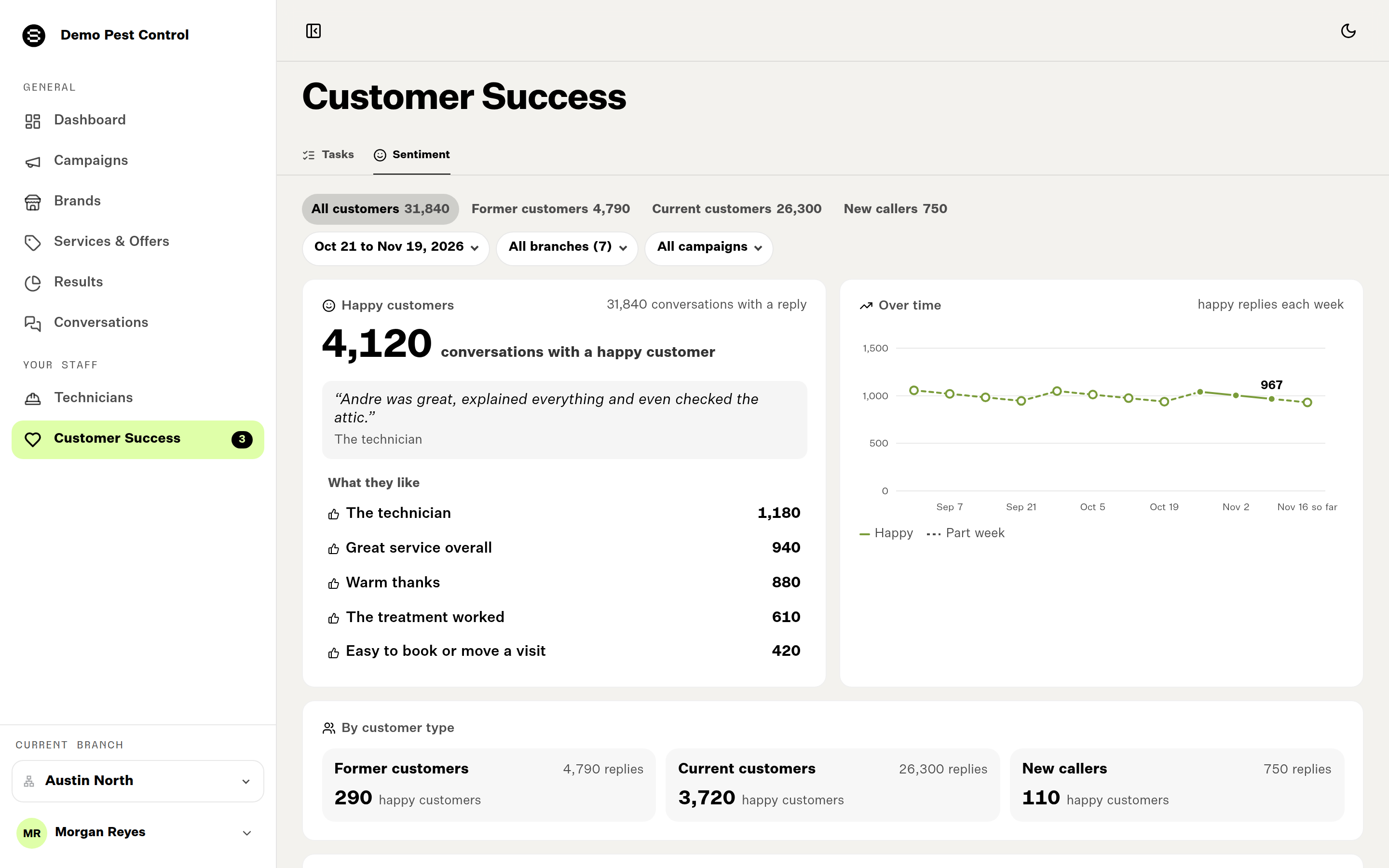
Sentiment shows the share of happy customers over time and the themes behind unhappy ones, such as price, split by former customers, current customers and new callers. It is built from what customers say in Sellify AI conversations.
Read more on Tasks and Sentiment, and the 18 November Tasks update. For the habits behind it, see running customer handoffs as one queue and what to do when a customer wants to cancel.
Part of the Office and customer service hub.
Already a client? Ask your account manager.
Sources
- Sellify AI product documentation